

CMS development services
A website your team can manage
Build a website your team can keep up to date. We work with WordPress and headless CMS platforms, define content models and permissions, and plan editing, migration, security and maintenance around your publishing needs.
Starting from USD 1,499/projectFinal scope and price agreed before work starts.
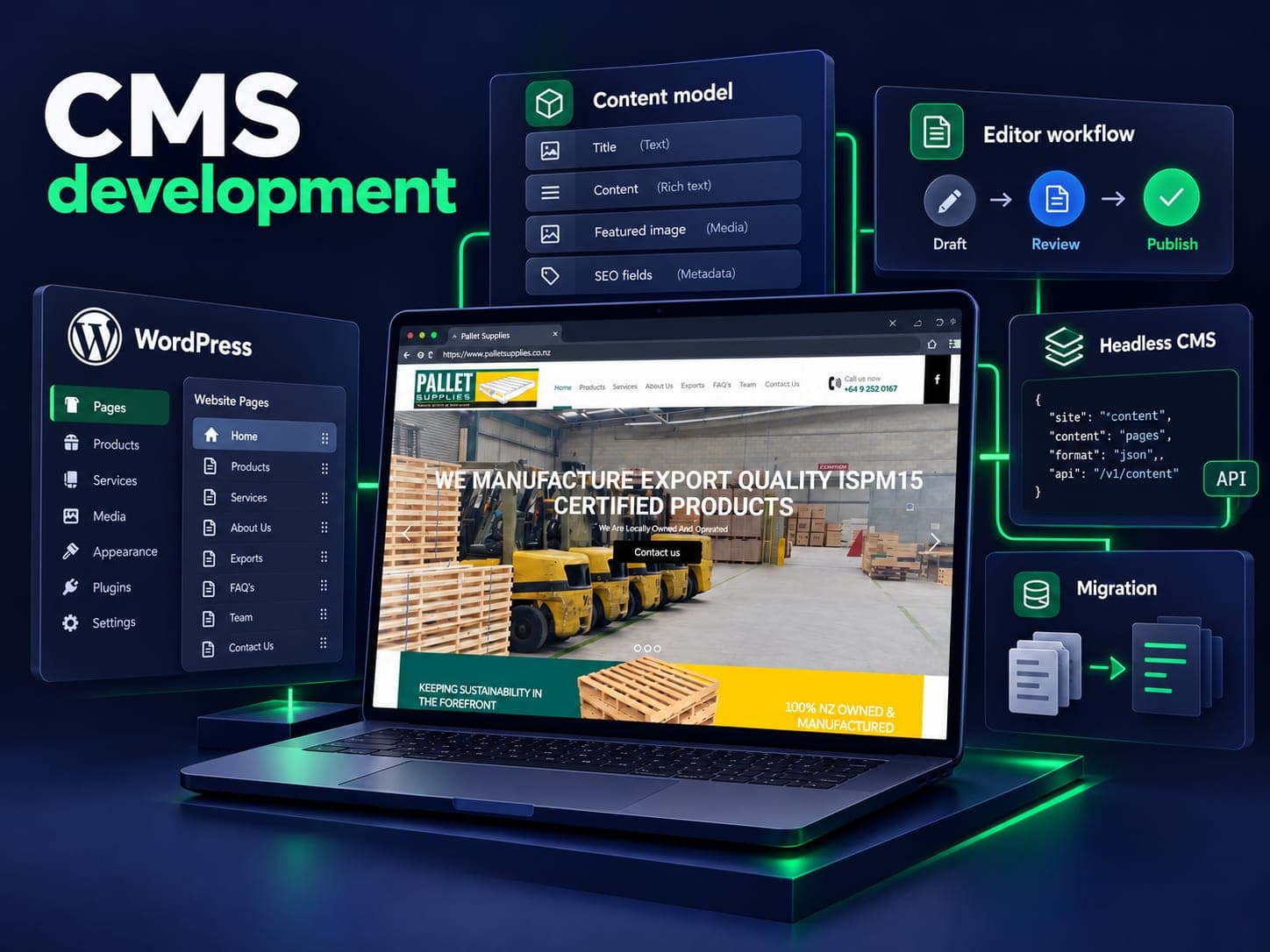
The right CMS is the one your editors can use
Your team should be able to publish a page, update service details or correct an article without waiting for a developer. We start with the people who will edit the site and the content they need to manage.
Marketing teams publishing weekly are usually best served by WordPress with a curated block library and no page-builder sprawl. When the front end has to be a fast custom build, a headless CMS behind Next.js does the job better. Product and documentation teams tend to need structured content, where one fact is written once and appears on the site, in the app and in an email without being retyped.
We build for whichever of those you actually are, then sit with your team and record a walkthrough of their own site so the training does not evaporate when the person who attended leaves.
Migrations
Moving off Joomla, Drupal, a fifteen-plugin WordPress install or something a previous agency wrote themselves is a large share of this work. Content and URLs come across together, with a mapping built from your analytics rather than from a folder structure. We would rather spend two days on that map than two months explaining a traffic drop.
Publishing websites and online stores
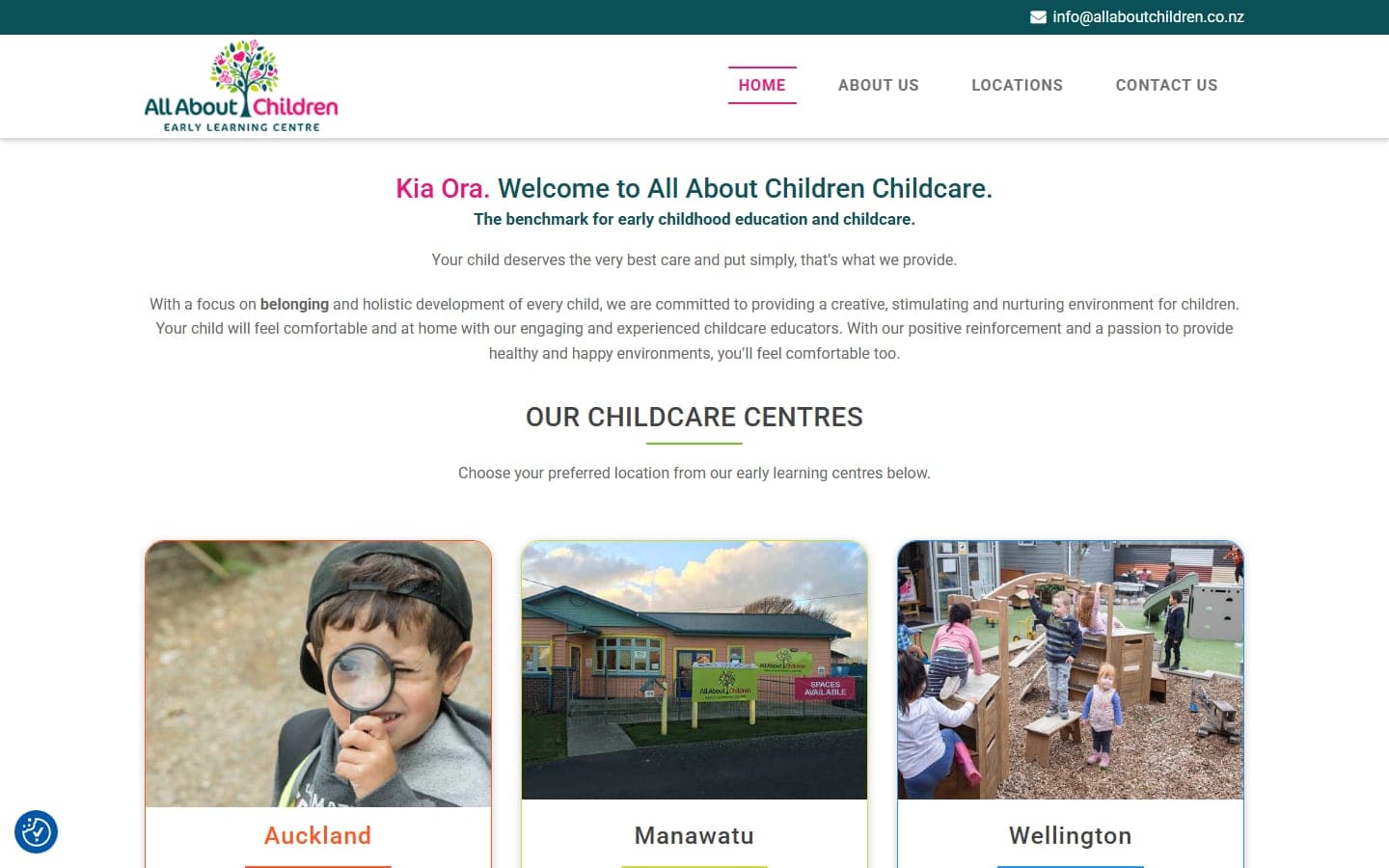
For a content-led website, define the page types, editor roles and approval workflow. A store also needs catalogue, stock, checkout and order requirements. Our CMS and ecommerce services help distinguish those scopes; ecommerce website development covers the buying process. Published website examples include All About Children, with centre information across several regions, and Pallet Supplies, with a product catalogue. Open each project to see the website and the work involved.
Our work with Share Manthan
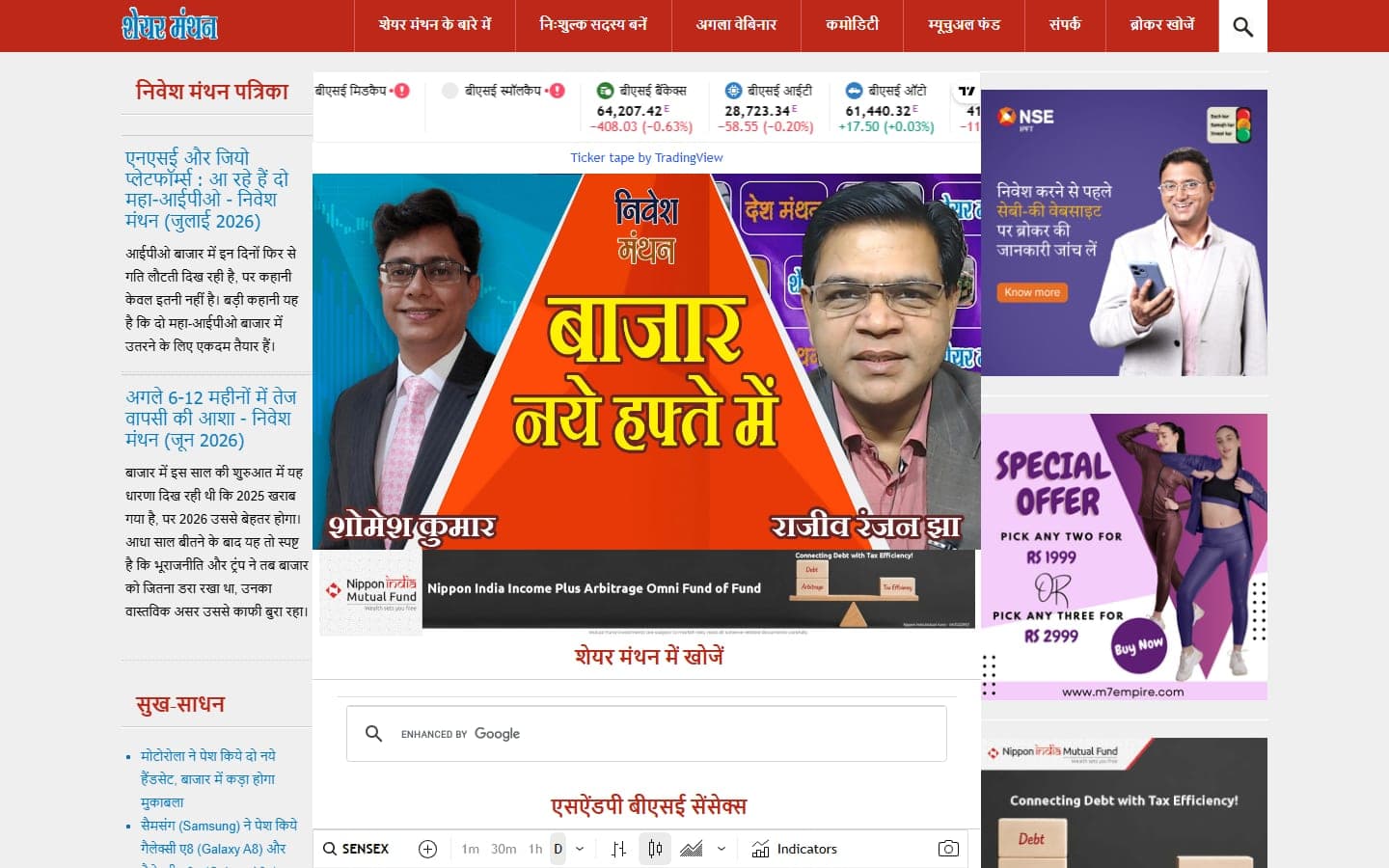
Our Share Manthan project is a Joomla publishing website with daily articles, topic pages and external market widgets. Our confirmed ongoing scope includes design, development, SEO, Cloudflare, server setup, hosting and maintenance. That example helps frame a CMS brief around publishing and operating responsibilities, rather than a list of editor features alone.
What CMS development includes
WordPress development
Custom block themes with a deliberately small plugin list, because every plugin is somebody else's security update to worry about.
Explore →Headless CMS
Sanity, Strapi or Payload behind a Next.js front end, with previews that actually work for editors before publishing.
Explore →Structured content
Content models where a price, a spec or a bio is written once and appears wherever it is needed, on site, in app, in email.
CMS migration
From Joomla, Drupal, legacy WordPress or a bespoke system, with a URL map built from analytics and redirects tested before cut-over.
Editor experience
Roles and permissions, working previews, sensible field labels, plus a guide and a recording of your own site rather than a manual.
Maintenance & security
Core and plugin updates, backups you can restore from, two-factor login, monitoring, and hardening documented at handover.
From content planning to launch
Content modelweek 1–2
Page types, fields, relationships, and who is allowed to edit what. Decided with the editors, not for them.
Platform choiceweek 2
One recommendation with the reasoning written down, including what you give up by taking it.
Buildweeks 3–7
Templates, the block library and integrations built on staging, with editors invited in from the halfway point.
Migrate & trainweeks 7–8
Content moved, URLs mapped and tested, then a training session recorded so new starters can watch it later.
Launch & supportweek 8+
Go live, monitor for a month, and continue on a retainer only if you want one.
CMS website projects
Share Manthan
For six years, we’ve supported Share Manthan’s Joomla website with design, development, SEO, hosting and ongoing maintenance.
All About Children Childcare
A WordPress site for a childcare group running centres in Auckland, Manawatu and Wellington, built so a parent in any of the three regions lands on the right centre in one click.
Starting from USD 1,499/project
A business website with agreed content types, editing templates and handover. Large imports, custom back-office workflows and complex integrations are scoped separately.
CMS, answered
What is a CMS and do we need one?
Software that lets people who do not write code create and edit pages. If more than one person needs to change the site more than once a month, the answer is yes. If the site changes twice a year, a static build may cost less to run.
Which CMS is best for us?
WordPress suits most marketing teams. Headless suits fast custom front ends and content that has to appear in more than one place. If the site is mainly a shop, the question is really Shopify or Magento. We give one recommendation and explain the trade-off.
How long does a CMS build take?
Six to eight weeks for a typical marketing site, including migration and training. The content model in the first fortnight is what decides the rest, so we spend real time there rather than rushing to a visual.
Can you migrate our existing site?
Yes, from Joomla, Drupal, an old WordPress theme or a custom system. Content and URLs move together with a map built from your analytics, and Search Console is watched daily for the first month after launch.
How much does a CMS build cost?
Starting from USD 1,499/project. A business website with agreed content types, editing templates and handover. Large imports, custom back-office workflows and complex integrations are scoped separately. The written proposal confirms deliverables, exclusions, timeline and the final price before work starts. Hosting, licences, platform subscriptions and usage charges are separate where required.
How do you keep a CMS secure?
Few plugins, automatic security updates, hardened hosting, offsite backups that are tested by restoring them, two-factor login for every account and monitoring for changed files. All of it is written down in the handover document.
Need a website your team can update?
Tell us what you publish, who edits it and what makes updates difficult today. We’ll help you choose a CMS and plan the build or migration.