

Figma to Next.js development
Responsive components built from your approved designs
Turn your Figma designs into a working Next.js website. We translate layout and design tokens into reusable components, define responsive behaviour, connect content and integrations, and check accessibility, interactions and performance.
Starting from USD 299/unique pageFinal scope and price agreed before work starts.
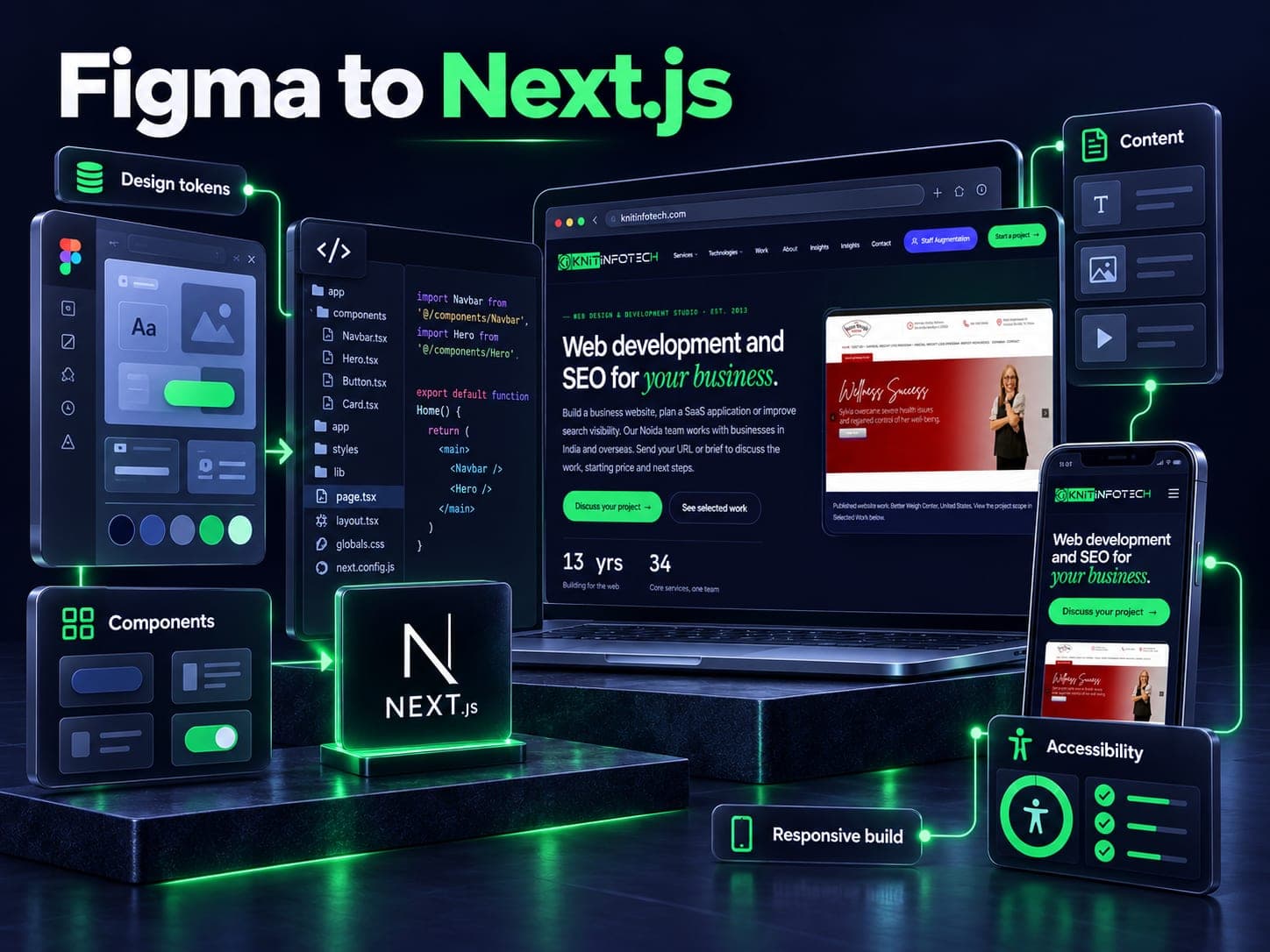
Resolve the design decisions before implementation
A Figma file is a useful starting point, but a build also needs responsive behaviour, real content and interaction states. Review the component library, spacing and type rules, assets, hover and focus states, empty states and validation before estimating the work.
We translate the approved design into reusable components in the existing project conventions. Missing states become questions for review rather than assumptions hidden in code. A sign-in form, for example, needs loading, error and keyboard behaviour as well as its default screenshot.
Connect the interface to the application
Next.js supplies rendering and application choices around React. The scope identifies public pages, interactive controls, content sources, forms and external systems. The architecture follows those requirements and the team maintaining the code.
Review representative pages at agreed viewport sizes with realistic short and long content. Compare the implementation with the approved design, then test navigation, focus, validation and important interactions. A static layout and an interactive component have different testing needs.
Hand over something the next developer can work with
The proposal defines included components, integrations, browser coverage, accessibility checks and performance targets. Record the conditions for lab measurements rather than presenting one Lighthouse score as a result every visitor will receive. Handover covers the source, content integration and decisions the maintenance team needs.
Related reading: Google explains the metrics and lab/field distinction.
What our Figma to Next.js conversion includes
Next.js 16 & React Server Components
Clean App Router structure with explicit server and client boundaries, metadata exports, and zero unnecessary client JavaScript.
Explore →Tailwind CSS from Figma tokens
Direct translation of Figma variables, spacing scales, typography hierarchies, and color palettes into typed utility classes without magic numbers.
Typed TypeScript interfaces
Strictly typed props for every component, card, form, and layout element, making API data binding straightforward for your backend team.
Explore →Real responsive behavior
Carefully handled breakpoints across 375px mobile, 768px tablet, 1024px laptop, and 1440px+ desktop. No awkward text wrapping or broken grids at intermediate widths.
Micro-interactions & motion
Polished hover states, drawer animations, accordion transitions, and dropdown menus using Framer Motion with reduced-motion support.
Accessible by default (WCAG 2.2 AA)
Semantic HTML landmarks, proper ARIA attributes, visible keyboard focus rings, and full screen reader verification.
Explore →From approved design to working pages
Figma inspect & token auditday 1–2
We review your Figma file with your team, audit auto-layout and component variants, and flag any missing interaction states before writing code.
Token mapping & atom componentsdays 3–4
We configure Next.js, set up Tailwind tokens matching your Figma variables, and build core atomic components: buttons, inputs, badges, and typography.
Page assembly & responsive statesdays 5–8
We assemble complete page layouts, verify responsive behavior at mobile, tablet, and desktop breakpoints, and wire up client interactions.
QA, Lighthouse verification & pull requestdays 9–10
Run cross-browser checks and repeated Lighthouse lab tests under recorded conditions, then submit the implementation for review in your repository. Monitor available field LCP, INP and CLS after release; a 95-point lab target is separate from field-vitals acceptance.
Frontend stack and tooling
Starting from USD 299/unique page
One agreed unique page or template from supplied, approved Figma designs. Responsive states, interactions and integrations are confirmed before quoting.
Figma to Next.js, answered
What design file formats do you accept?
Figma is our primary format because auto-layout, component variants, and Figma variables inspect cleanly and map directly to modern code. If your project has files in Sketch, Adobe XD, or older Photoshop assets, we can work with those as well, though we usually recommend migrating them into Figma first so your design system stays maintainable.
What if our Figma file only has desktop and mobile artboards?
That is the case in about 80% of client files. Designers usually draw 1440px desktop and 390px mobile, leaving out 768px tablets, 1024px laptops, and wide screens. Rather than guessing during the build, we write down the responsive rules on Day 1: how multi-column grids collapse, when sticky sidebars turn into drawer sheets, and how data tables handle small screens. We confirm these rules with you before writing the components.
How do you handle missing interaction states like hover, active, or error states?
Most design files leave out form validation errors, disabled buttons, skeleton loaders, and empty states. We compile a missing-states checklist during our initial file audit on Day 1. You can either supply them in Figma or have our UI designers create matching states that follow your design system for your approval.
Can you deliver code directly into our existing GitHub repository?
Yes. Most clients invite us into their private GitHub or GitLab repository. We configure our local workspace to follow your package manager (pnpm, npm, or yarn), your ESLint and Prettier rules, and your branch naming standards. We deliver via pull requests with preview deployments and Loom walkthroughs so your internal team can review every line.
Do you write clean modular components or generate code with AI tools?
Every component is hand-written by senior frontend engineers with strict TypeScript types, semantic HTML tags, and clean Tailwind CSS classes. We do not use automated export plugins or AI code generators because they generate unmaintainable absolute positioning, inline styles, and div soups that no engineering team wants to touch.
How do you ensure fast page loads and Core Web Vitals compliance?
We reserve image space, check font loading, limit unnecessary client-side code and record repeatable Lighthouse lab conditions. Available field LCP, INP and CLS are reviewed after release at the 75th percentile, with device segment, measurement window and coverage stated. Lab scores and field performance are separate evidence.
Can we hire dedicated frontend developers on an ongoing basis?
You can hire dedicated Next.js developers starting at USD 18/hour or USD 2,400/month for 160 reserved hours. We confirm the engineer, availability and final responsibilities before onboarding.
What is the starting price for figma to next.js?
Starting from USD 299/unique page. One agreed unique page or template from supplied, approved Figma designs. Responsive states, interactions and integrations are confirmed before quoting. The written proposal confirms deliverables, exclusions, timeline and the final price before work starts. Hosting, licences, platform subscriptions and usage charges are separate where required.
Ready to build your Figma design?
Share a viewable Figma file, target pages and required interactions. We can identify missing states, content integration and the scope needed for a quote.