

Planning a new site? Talk to the people who will build it.
NOIDA · CORPUS CHRISTI · AUCKLAND · POINT COOK+91 92661 42805sam@knitinfotech.com
App development

Google Sheets & Gmail Follow-up Automation

Business email automation

A Google Sheets and Gmail tool for personalised outreach, scheduled follow-ups, reply detection and an automatic stop after a prospect replies.

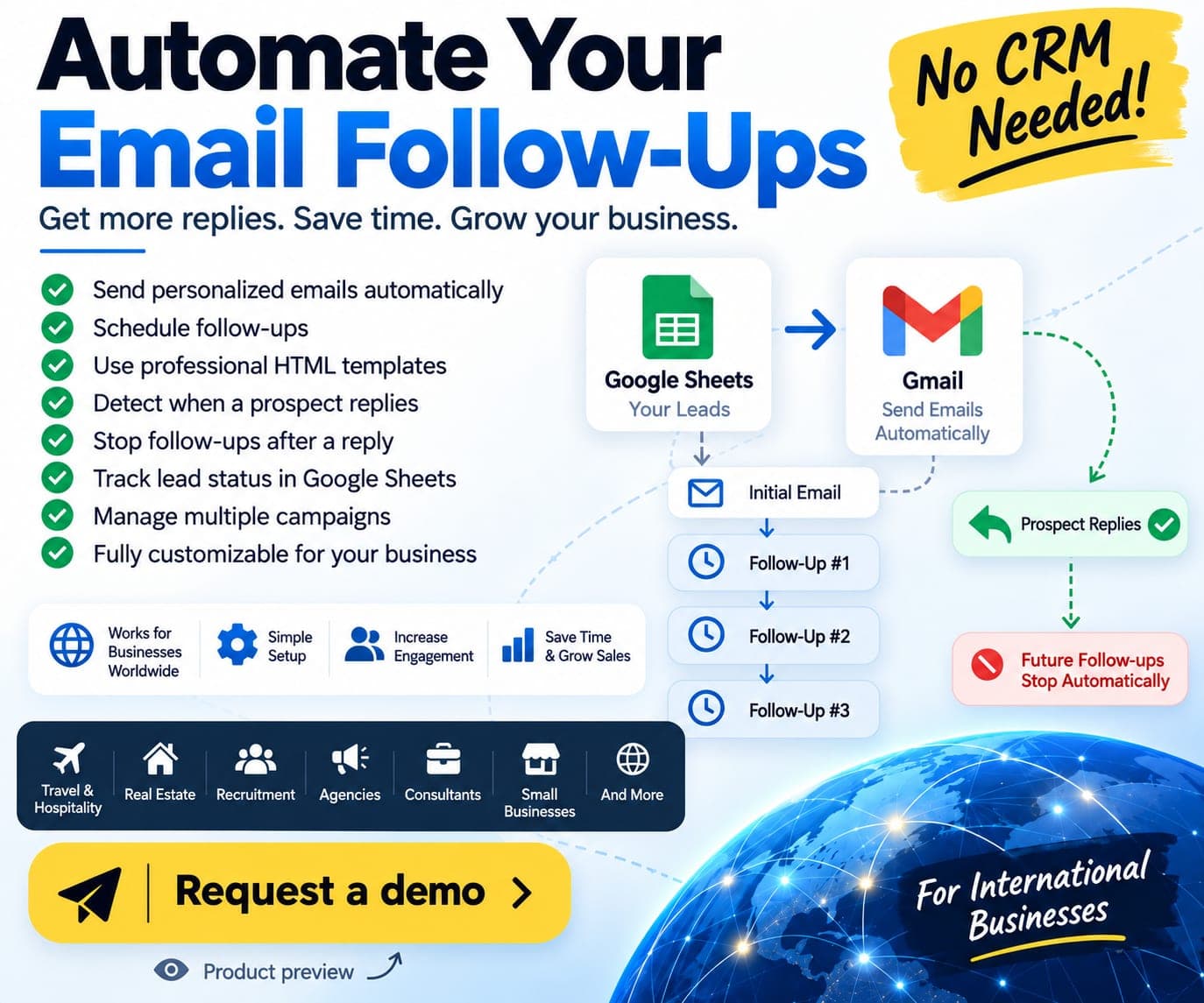
Email follow-up product preview showing Google Sheets, Gmail and reply-stop automation

Product workflow preview. Any figures shown are demo data.

Google SheetsGmailEmail automation

The project brief

A team needs to know who has received an email, which follow-up is due and whether someone has already replied. Keeping the lead list in a spreadsheet is familiar, but manually checking every thread and due date creates repeated work. The automation needs to preserve a readable record and stop a sequence when a real conversation begins.

Design and approach

Google Sheets holds the lead data and campaign status, while Gmail sends personalised messages from the connected account. The sequence can send an initial message and later follow-ups in the same email thread. Reply detection marks the lead as replied and stops the remaining scheduled steps.

The four-stage flow is lead entry in Sheets, Gmail sending, scheduled follow-up stages and reply cut-off. Fields can include the person’s name, email, company, a custom note and the current stage. A schedule such as days 2, 4 and 7 is an example; the actual cadence is configurable for the agreed package and workflow.

Project scope

  • Variable-based email personalisation using the lead’s Google Sheets fields.
  • Initial outreach and scheduled follow-up stages through the connected Gmail account.
  • Same-thread follow-ups and professional HTML templates where included in the setup.
  • Reply detection, automatic sequence stop and a visible Replied status.
  • Timestamps, lead status and the next scheduled stage recorded in Sheets.
  • Campaign-specific templates, sending-day/time settings and segmentation where configured.
  • Testing, client approval, onboarding and team handover.

Setup options

The Starter scope covers a single sending account, a standard template and up to two follow-up stages. Professional adds up to three stages, HTML-template support, campaign personalisation and configurable timing. Business covers additional templates, multiple sequences and custom campaign rules. High-volume or multi-mailbox work is scoped separately with controlled batching, sending infrastructure and provider limits.

Where it fits

The workflow can support travel enquiries, property enquiries, recruitment follow-ups, agency proposals, consulting conversations and B2B customer follow-up. The agreed setup defines the sending accounts, campaigns, templates, integrations and support. Google Workspace, paid APIs, sending-provider fees, domains and purchased contact data are separate from the automation setup.

Request a 15-minute email-tool walkthrough

Request an email automation walkthrough to review the working process in a screen-share session.

  1. Review sample lead rows and the personalisation fields in Google Sheets.
  2. Inspect an email template and the configured follow-up schedule.
  3. Follow a demonstration message and its later stages in the same Gmail thread.
  4. Reply to the test thread during the walkthrough and check that the record changes to Replied and later follow-ups stop.
  5. Review status timestamps, campaign settings and the handover needed for your own accounts.

Use sample contacts and a test mailbox for the demonstration. Production sending capacity and email delivery depend on the provider, account limits, domain reputation and recipient data; replies or inbox placement are not guaranteed.

About this case study

Google Sheets and Gmail automation product with a screen-share walkthrough available on request. The workflow image is illustrative. Campaign settings, sending capacity and connected accounts are reviewed during setup; no client response-rate or sales result is claimed.

Services on this project 2

Questions

How can I see the email tool working?

Request a 15-minute screen-share walkthrough. Review the Sheet, personalisation, scheduled stages, a demonstration thread and the stop-after-reply behaviour using sample contacts.

Does it stop when the prospect replies?

Reply detection is part of the described workflow. It marks the lead as Replied and stops the remaining follow-ups in that sequence. The behaviour should be checked during testing with the connected account.

Is a separate CRM required?

The core workflow uses Google Sheets and Gmail, so a separate enterprise CRM is not required for that scope. The agreed setup determines any additional integrations or paid services.

Can it send 1,000 emails a day from any Gmail account?

That volume requires a separately reviewed sending architecture, appropriate accounts and controlled sending rules. Provider limits and delivery conditions still apply; the Starter setup is not presented as a high-volume service.

Related work
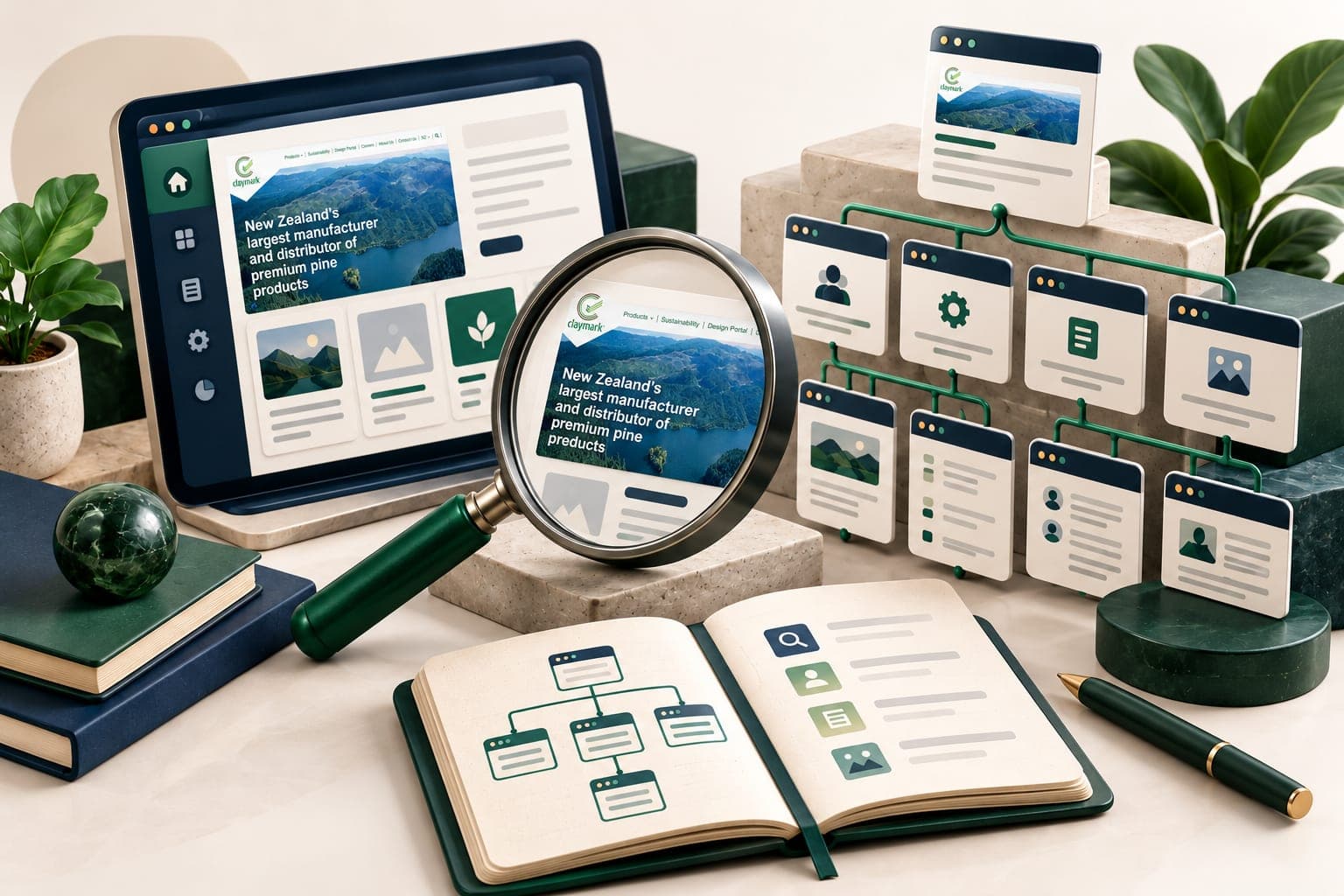
SEO planning illustration with a Claymark website preview inside the tablet and connected page panels.
Illustrative example · SaaS SEO

Example: an SEO workstream for a SaaS website

An illustrative SEO plan for a software business, connecting crawl checks, useful product pages and buyer questions. No client rankings or traffic results are claimed.

Illustration with a website preview from Claymark.
SEOContentLink building
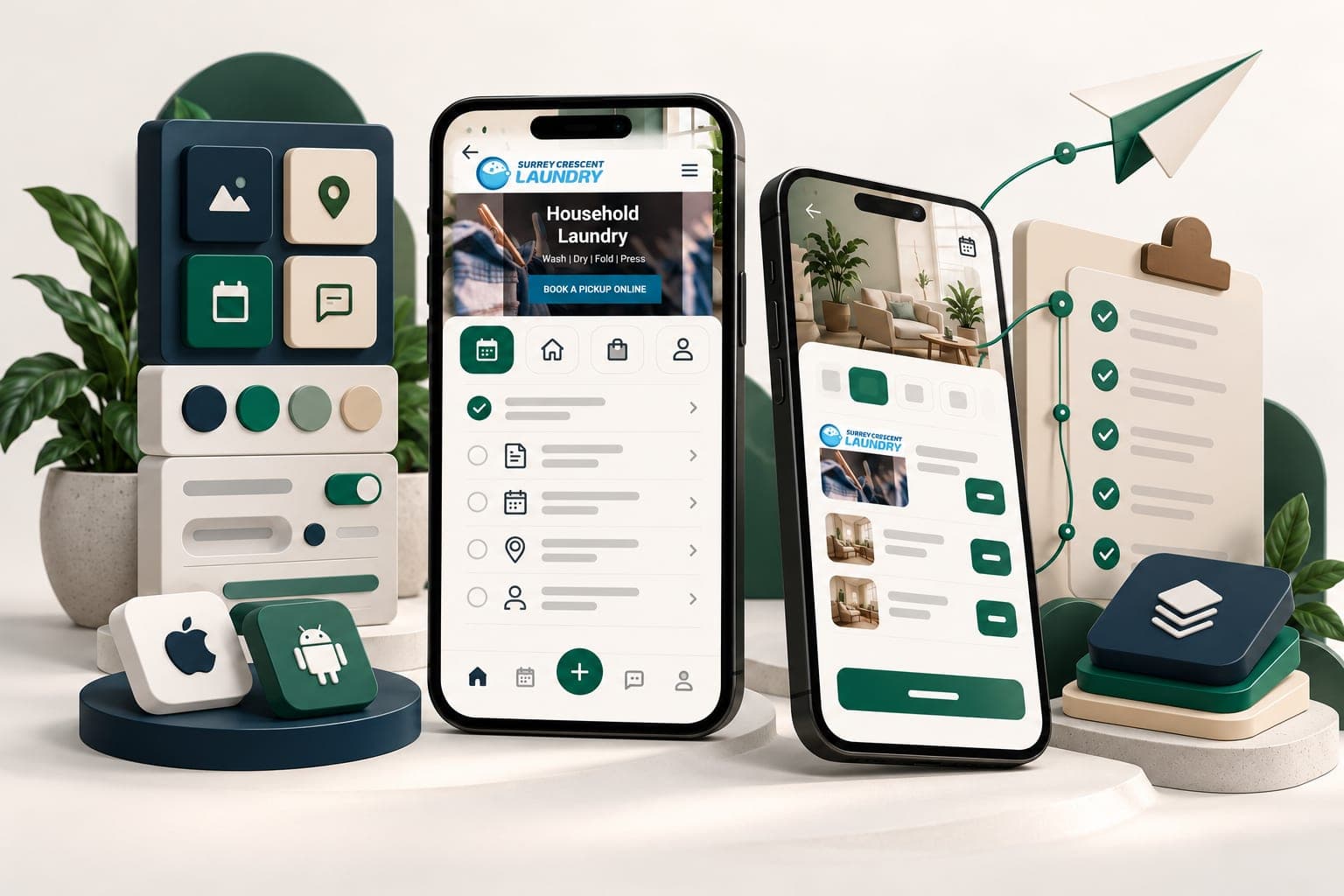
App release planning illustration with Surrey Crescent Laundry website previews inside the phone screens.
Illustrative example · Mobile apps

Example: scoping an iOS and Android app launch

An illustrative first-release plan for an app using a shared codebase, with platform testing, backend integration and separate store submissions.

Illustration with a website preview from Surrey Crescent Laundry.

iOSAndroidReact Native
Next step

Have a project in mind?

Tell us what you want to build or improve. We can walk you through relevant work and discuss the scope, budget and next steps.

Book a 20-minute walkthrough
CallWhatsAppStart a project
WhatsApp
Free project consultation

Let’s build your next chapter.

Get a practical recommendation, a clear scope and a tailored estimate.

Loading the enquiry form…

Start a project