

Email Follow-up Automation
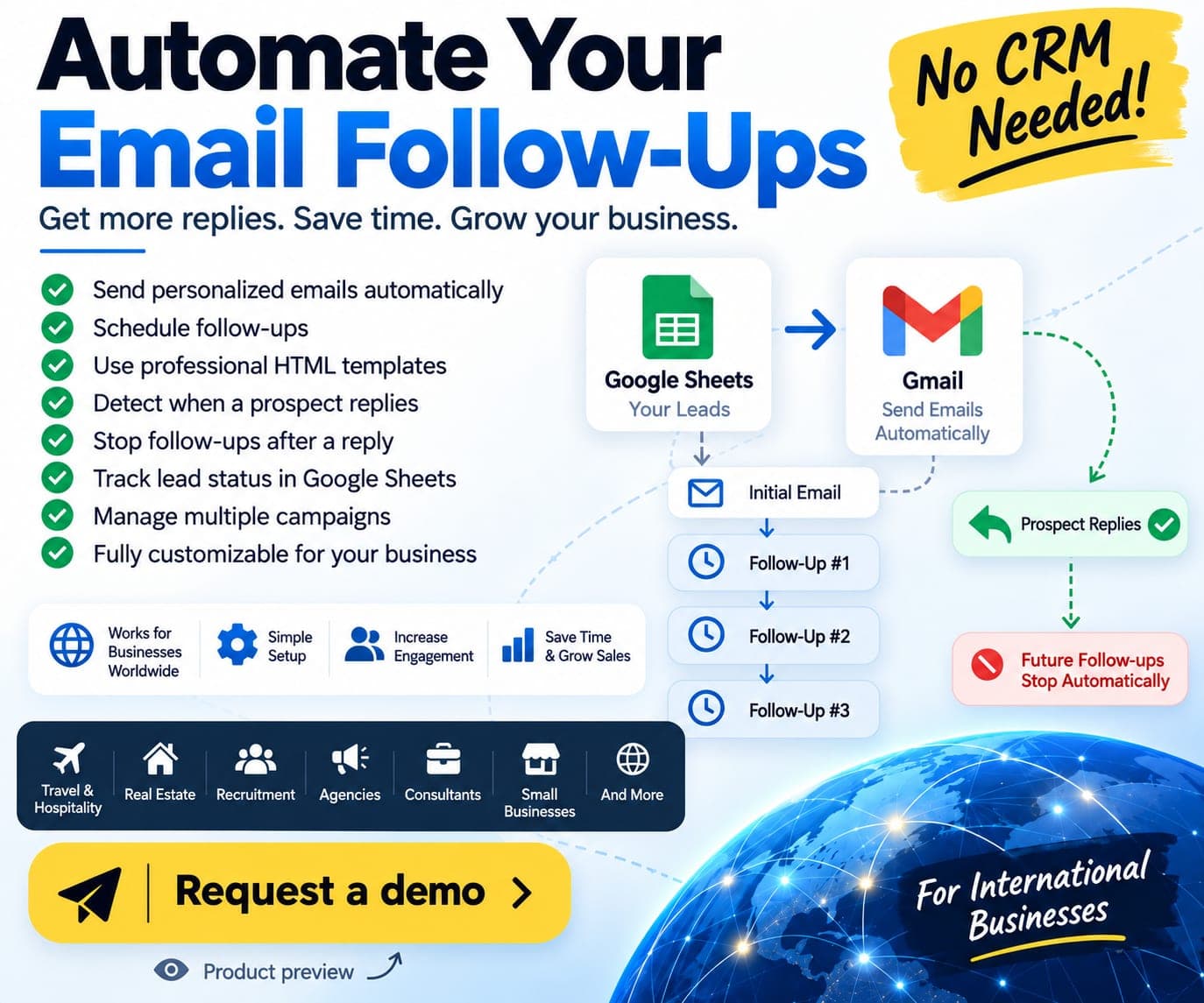
A Google Sheets and Gmail tool for personalised outreach, scheduled follow-ups, reply detection and an automatic stop after a prospect replies.
Product workflow preview. Any figures shown are demo data.
Web & App · 10
Search & Paid · 10
Growth & Social · 7
AI & AutomationNEW
Share your website URL and priorities. We review the details, share audit findings and then discuss next steps.
Frontend
Backend
Cloud & DevOps
CMS & Ecommerce
CRM & ERP
AI & Data
Developer rates start at USD 18/hour. Python, native mobile, Flutter, CRM and Shopify roles start at USD 22/hour. Review profiles and confirm the final scope and fee.
Northeast & Atlantic
Midwest & Great Lakes
Vetted software engineers, React and Next.js developers, Python and AI engineers with genuine US timezone overlap.
Business messaging automation
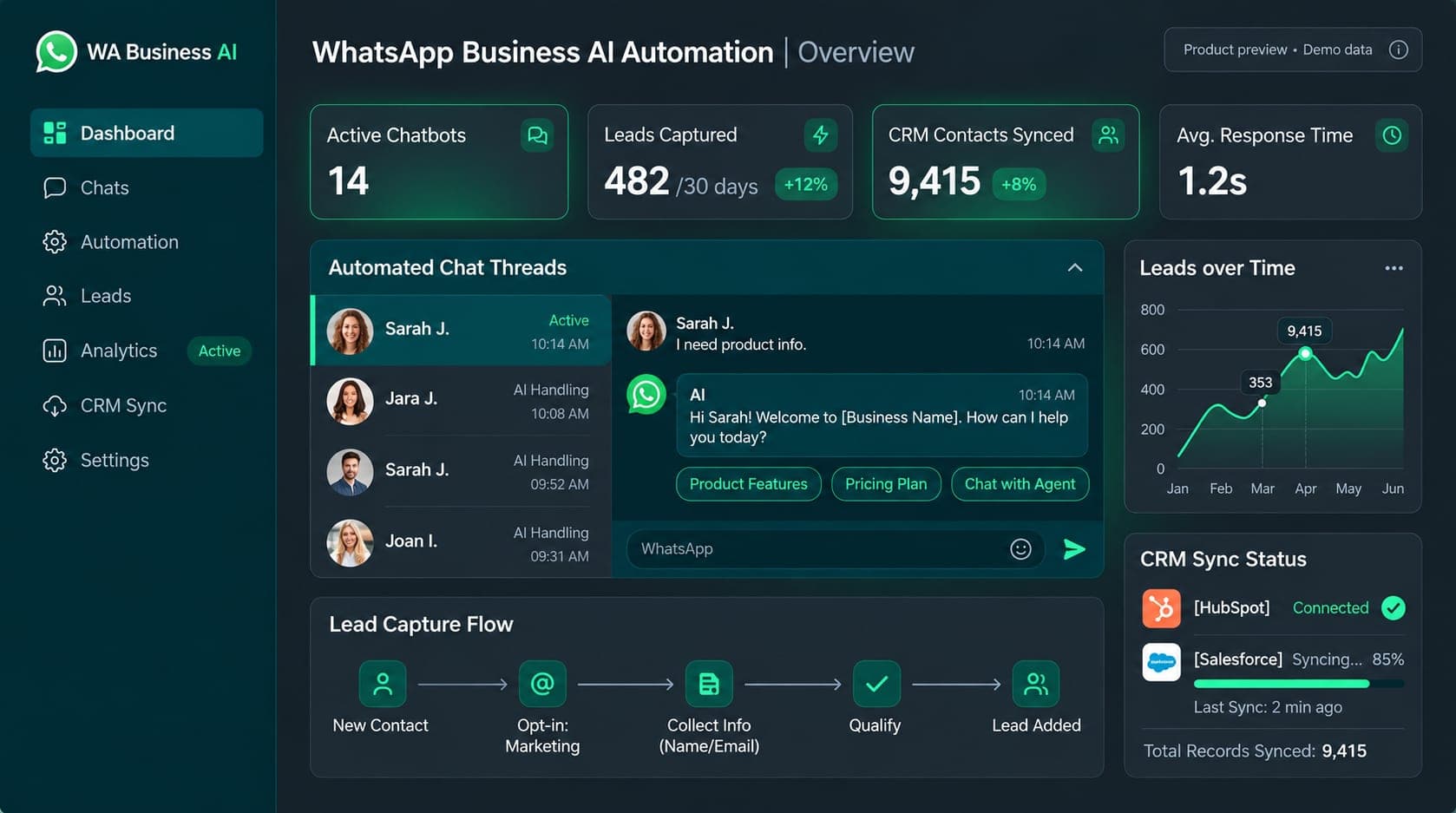
An illustrated WhatsApp business workflow covering customer replies, product menus, lead qualification, CRM updates, reminders and team handoff.

Product preview. Dashboard figures are demo data.
A business WhatsApp inbox can contain pricing questions, product enquiries, booking requests and conversations that need a team member. Repeating the same replies takes time, while collecting lead details in a separate system can break the connection with the original conversation. The workflow needs useful automated answers and a visible handoff to the team.
The showcase describes a WhatsApp Business Cloud API workflow connecting business messaging, product information, lead records and a shared team inbox. A proposed deployment can move from a service question to a menu or brochure, collect the prospect’s requirements and pass the record to Google Sheets, HubSpot or a custom database through the agreed integration.
The illustrated conversation shows a prospect asking about website packages and monthly care, selecting an option, receiving the relevant information and being asked for a website URL. The chat and dashboard are product previews. They explain the proposed customer flow rather than showing an active public WhatsApp test service.
Business verification, channel permissions, message-template approval and the connected systems are checked for the deployment. The dashboard and sample chat illustrate the workflow; example counts do not represent measured customer results.
The chat and dashboard shown here are illustrative product previews. Request a WhatsApp workflow walkthrough to discuss how the flow would be configured for your business.
A working business setup requires the approved WhatsApp account, message rules and connected systems. The walkthrough request goes to the Knit Infotech team.
Illustrative WhatsApp product workflow. The sample conversation and dashboard figures are demo data. The published contact action requests a walkthrough; it is not a live automation test number.
This showcase contains an illustrated conversation and dashboard preview. Request a workflow walkthrough to discuss replies, catalogue enquiries, lead fields, reminders and team handoff for a business setup.
The described product supports Google Sheets, HubSpot or a custom database connection where configured. Field mapping, credentials and the handoff process are agreed during setup.
The shared-inbox workflow lets team members review chats and take over when a conversation needs a person. Team access and escalation rules are configured for the deployment.

A Google Sheets and Gmail tool for personalised outreach, scheduled follow-ups, reply detection and an automatic stop after a prospect replies.
Product workflow preview. Any figures shown are demo data.

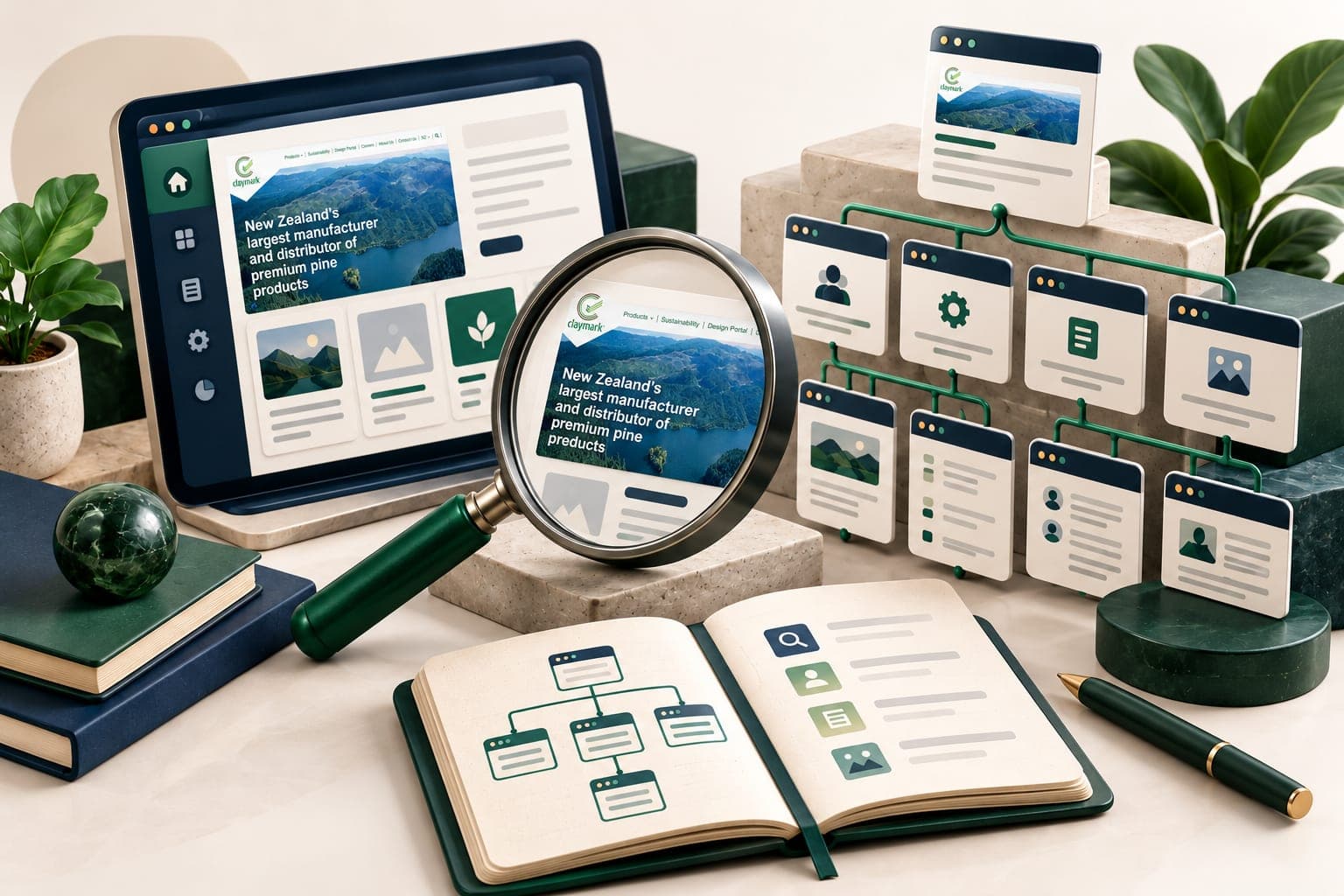
An illustrative SEO plan for a software business, connecting crawl checks, useful product pages and buyer questions. No client rankings or traffic results are claimed.
Illustration with a website preview from Claymark.
Tell us what you want to build or improve. We can walk you through relevant work and discuss the scope, budget and next steps.