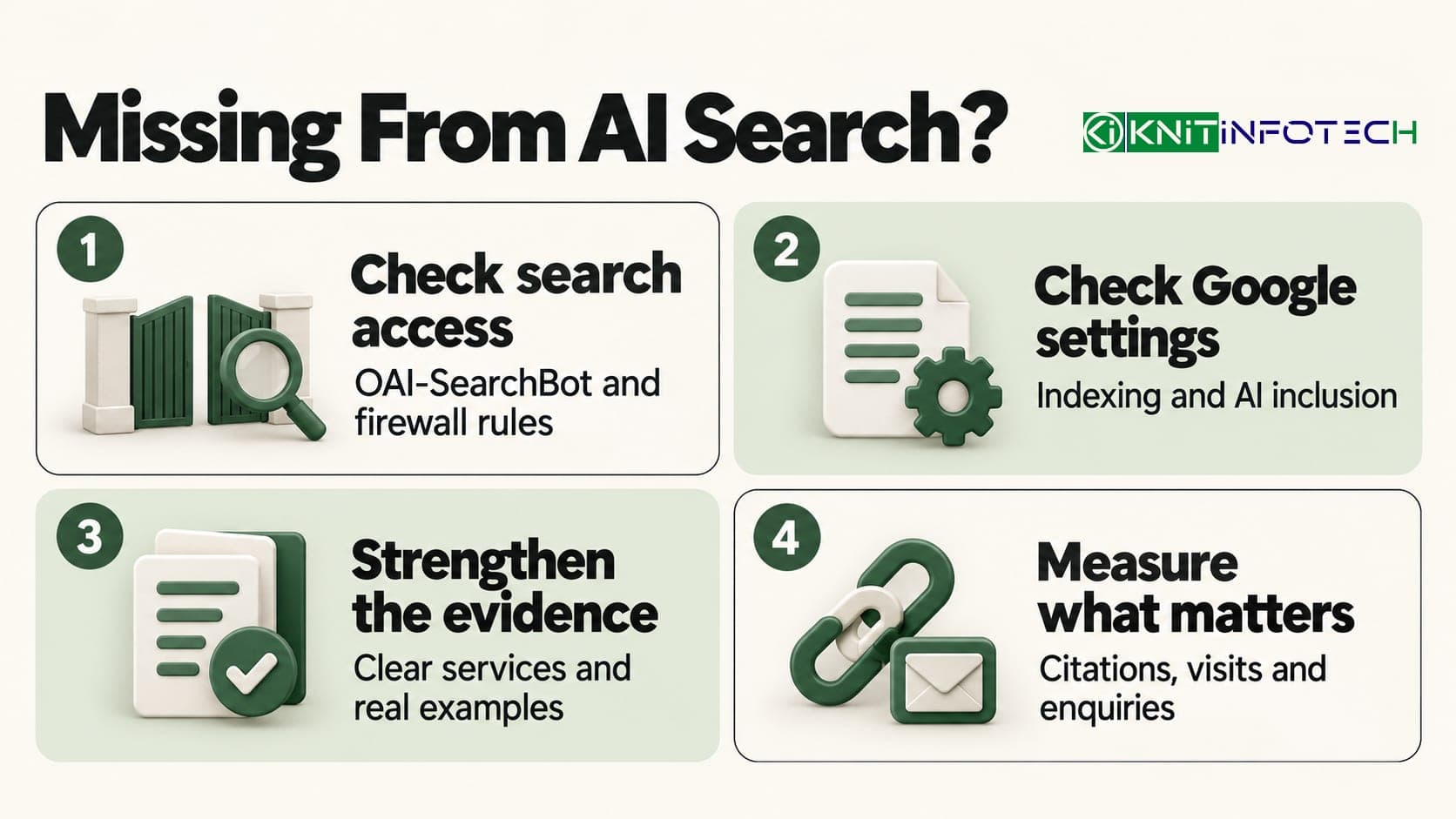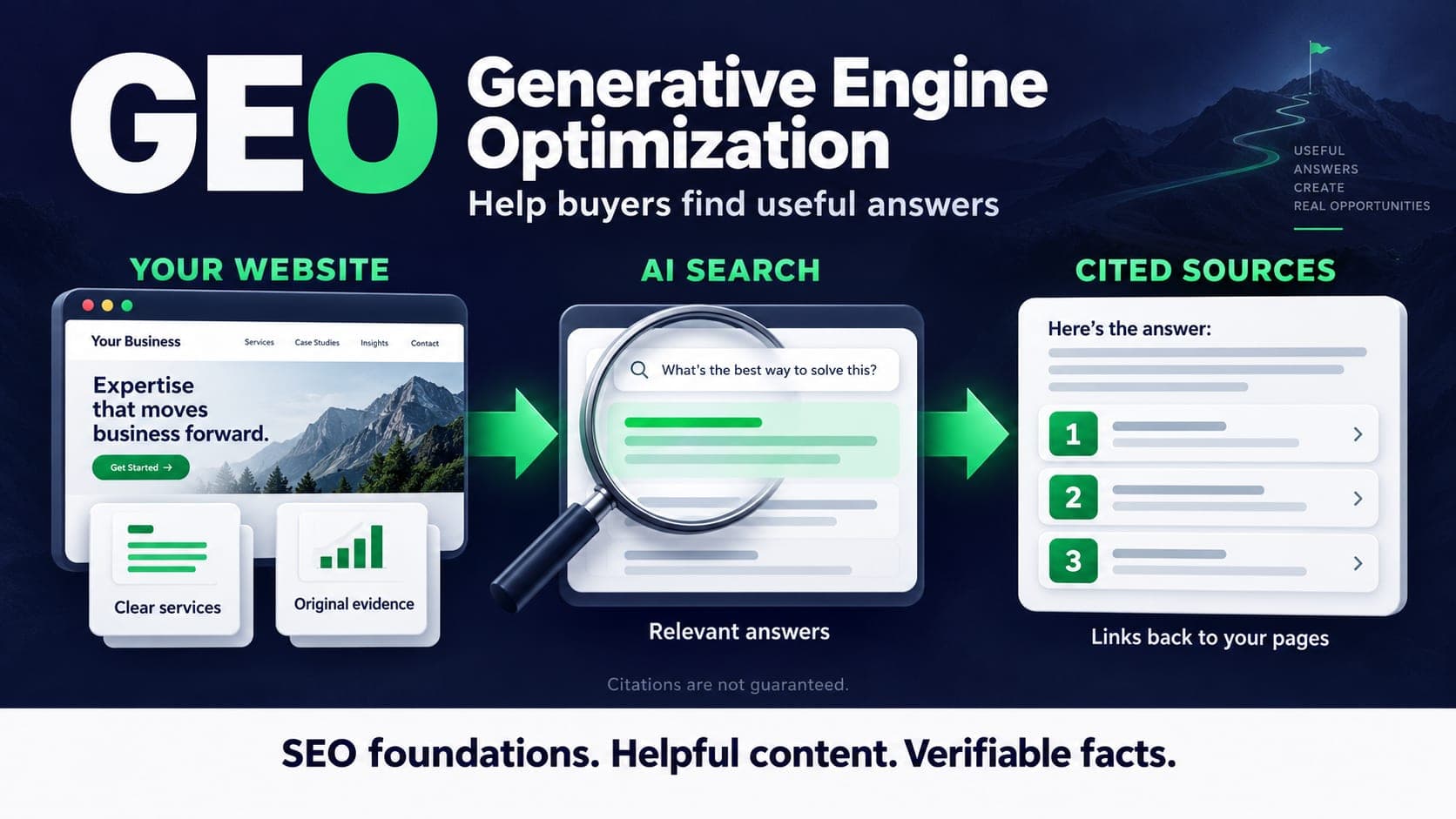
- GEO describes work on visibility in generated answers; it does not replace the foundations of SEO.
- Google says its AI search features do not require a special schema or an extra AI text file.
- Publish service details, evidence and useful comparisons that a buyer can verify.
- Connect the guide, the relevant service and supporting articles with descriptive internal links.
- Record citations, referrals and qualified enquiries separately. Neither a citation nor indexing is guaranteed.
A buyer researching a CRM project may ask an AI tool which suppliers can connect their website, sales inbox and existing customer records. They may then visit two of the suggested websites to compare scope, cost and evidence. Your page needs to help at both stages.
Generative Engine Optimization, or GEO, is a term used for work intended to improve visibility in generated answers. It can include clearer service information, better supporting evidence and checks on how a site is discovered. It is not a published ranking formula shared by every AI product.
For a service business, the useful starting question is straightforward: can someone find your page, understand what you actually offer and verify the claims? This guide turns that question into a review you can carry out on an existing website. Sources were checked on 15 October 2026.
GEO, AEO and SEO: where the work overlaps
SEO covers visibility in search. AEO, or Answer Engine Optimization, focuses on answer-based discovery. GEO is commonly used for generated answers. The labels overlap, and the work needs a defined scope before it needs another retainer.
Google's current guide to generative AI search says SEO remains relevant. For Google's AI features, there is no special GEO schema or required AI text file. Other products have their own retrieval and access arrangements; do not assume one checklist reveals how all of them choose sources.
| Review area | Question to ask | Useful action |
|---|---|---|
| Discovery | Can a crawler reach the page? | Check status, access, internal links and sitemap inclusion |
| Content | Can a buyer understand the offer? | State scope, exclusions, prerequisites and the next step |
| Evidence | Can the reader verify the claim? | Add approved project detail or a precise primary source |
| Presentation | Can someone find the answer on a phone? | Use clear headings, readable tables and relevant images |
| Measurement | Did discovery lead to a useful visit? | Compare recorded referrals with enquiries and sales qualification |
Our AEO guide focuses on service-page clarity. This article adds a practical publishing and measurement checklist, so the two should be read together rather than treated as competing methods.
For Google Search, GEO does not create a separate eligibility standard. Keep pages accessible, facts supported and the content useful to a person choosing a supplier.
Check crawlability before rewriting the page
Open the intended public URL and confirm it returns a normal successful response. Check that the canonical identifies the correct page and that neither page metadata nor response headers exclude it from indexing. A staging or local preview needs a different access policy from the public site.
Review robots rules and any CDN or security challenge a crawler might encounter. Google's robots guidance explains that crawling controls and indexing controls serve different purposes. A URL returning HTML in your browser does not prove every crawler receives the same response.
Check that the main explanation is present in rendered text, with real links to related pages. A hero image cannot carry the only definition of your service. Keep canonical public URLs in the sitemap and verify that the live sitemap contains newly published articles after deployment. Google's sitemap guidance also makes clear that submitting a sitemap does not guarantee crawling or indexing.
Use the SEO best practices checklist for the broader technical review. Fix a blocked or missing page before spending time on a new opening paragraph.
Give the buyer facts they can use
A paragraph saying that your team delivers quality digital solutions tells a buyer almost nothing. A clear description of what connects to what, who supplies the content and what the proposal excludes gives them something to assess.
For a CRM integration page, explain which systems you work with, which records move between them and how conflicts are handled. For a website build, explain discovery, editing access, integrations and maintenance responsibilities. Publish prices only when they match the current offer, with the unit, inclusions and relevant extra costs.
Keep business facts consistent across service pages, the contact page and public profiles. Distinguish a delivery office from a service area. Give the reader a clear route to ask about scope instead of making them infer it from a location name or a technology logo.
This detail also helps the sales handover. The AI CRM guide explains how a reviewed intake workflow can use approved service information without turning an initial question into a promise.
Add evidence you are allowed to publish
Useful evidence can be a project decision, a method, an original measurement or an explanation of a real limitation. It does not need a dramatic growth percentage.
A project note might explain why a migration preserved existing URLs, which records were excluded from a CRM import and how the team checked the result. If it includes a number, record the source, period, baseline and method. Get the necessary publication permission before using client details.
Google's people-first content guidance asks publishers to consider original value, sourcing and relevant experience. That is a useful editorial standard. It does not justify inventing a client audit or claiming that an unpublished “information gain score” determines every AI citation.
Where you lack original results, explain the process and label examples honestly. A hypothetical comparison can teach a buyer something. Presenting it as a measured case study damages the very trust the page needs to earn.
Structure the answer around real questions
Start with the answer a buyer came for, then explain the conditions that change it. Use descriptive headings that help them find scope, cost factors, alternatives and limitations. Keep technical terms where they clarify a decision, and explain them when the audience may not know them.
Here is a hypothetical edit for an integration page. It illustrates clarity, not a proven method for earning an AI citation.
| Vague claim | More useful information |
|---|---|
| We connect your business tools | We map which form fields create or update contacts in the agreed CRM |
| We deliver fast results | The proposal identifies discovery, access requirements, testing and the delivery schedule |
| Our AI handles every enquiry | The assistant prepares replies from approved information and hands unclear requests to a named reviewer |
| Everything is included | The scope lists integrations, client inputs, maintenance and separate platform or usage costs |
A short FAQ can resolve recurring questions, but it should not repeat the entire article. Use a table when a reader needs to compare real alternatives. Word count, repeated keywords and a fixed chunk size are poor substitutes for a useful explanation.
For a sustainable publishing plan, read the content marketing strategy guide. One maintained decision page is often a more manageable editorial commitment than a long list of overlapping posts.
Connect the article to the rest of the site
Link a guide to the service it explains and to a few supporting articles where the reader needs more detail. Use an anchor that describes the destination. A link labelled “AI CRM agents” should lead to that service, rather than to a CMS page that happens to have a similar abbreviation.
Add a relevant path back from existing content. A new GEO guide belongs alongside an AEO article and the search service it explains. Avoid inserting the same link into every paragraph or creating pages for tags with no useful collection behind them.
Use structured data that describes what is actually visible. Article details, author identity and breadcrumbs should agree with the page. Do not add unsupported reviews, datasets or expertise claims to make the markup look more impressive. A schema type is not a promise of inclusion in an answer.
Use a relevant cover with descriptive alternative text, a stable image URL and enough resolution for large previews. Reserve its dimensions so the text does not jump as it loads. Put explanations in the article rather than baking them into tiny text inside an image. The same cover should remain recognisable in the blog listing and a shared link preview.
Measure citations, visits and enquiries separately
A citation is an observation. A visit is a recorded session. A qualified enquiry is a sales judgement. Keep those measures distinct so a visibility report does not overstate commercial results.
For a small monitoring exercise, choose a fixed set of buyer questions and record the exact wording, product, date, location or account context and cited URL. Repeat on a consistent basis and retain the evidence. Answers can vary between runs; the exercise is a sample, not a complete market-share figure.
Review the Search Console reports available to your property alongside analytics referrals and actual enquiries. Name the report and comparison period in your notes. Referral information can be missing, and an increase in direct visits or branded searches does not by itself prove that an AI answer caused it.
Look at the landing page and what the visitor did next. Did they read a relevant service, send a suitable brief or become an opportunity? Check seasonal demand, campaigns and tracking changes before crediting a rewrite. Keep a failed or unchanged result in the report too.
Start with one page and finish the checks
Choose a service page that matters to your business and one guide that supports it. Write down the questions buyers ask before a proposal. Fill the information gaps with approved facts, add useful links and remove claims you cannot support.
Before publishing, check the title and description, one clear H1, readable mobile layout, image alternative text, working internal links and a relevant enquiry route. After deployment, check the public response, canonical, indexing settings and live sitemap. Request inspection through the site's search tools where appropriate, then allow time for processing.
Our AI search optimisation service reviews this work alongside SEO. Bring your URL and a few real buyer questions. The useful outcome is a prioritised set of changes and a way to assess them, with no promise that a search or AI system will cite the page.
Review crawlability, service information, supporting evidence and useful buyer questions in one agreed scope. Rankings and AI citations are not guaranteed.
Questions
Is GEO a replacement for SEO?
No. The work overlaps technical SEO, useful content and reliable business information. Google says its generative AI search features use its search foundations. Define the scope of the work rather than paying twice for the same tasks.
Do I need special schema or an llms.txt file?
Google does not require a special GEO schema or an AI text file for its search features. Use accurate structured data that matches visible content. Other services may document their own crawler arrangements; check those requirements separately.
Will an original statistic guarantee an AI citation?
No. Publish a statistic only when its source, method and limitations are clear and you have permission to share it. Useful evidence helps a reader assess a claim, but a search or AI product decides what it retrieves and cites.
How do I know whether GEO brought a lead?
Compare recorded referrals, landing pages and qualified enquiries over a defined period. Keep citation observations separate. Attribution can be incomplete, so neither a branded-search increase nor one generated answer proves the cause of a lead.
Does adding an article to the sitemap make Google index it?
A sitemap helps discovery but does not guarantee crawling or indexing. Check the public page response, canonical, indexing settings, internal links and content after deployment. A local preview cannot establish that Google has indexed the live URL.
Sources
- Google Search Central: optimising for generative AI search
- Google Search Central: robots.txt and crawling controls
- Google Search Central: build and submit a sitemap
- Google Search Central: helpful, reliable, people-first content

Sam K (Santosh Kumar) founded Knit Infotech in 2013. Based in Noida, he works on web applications, ecommerce, CRM systems and workflow automation. He helps clients agree the scope and technical decisions behind a build.